CloudStation
  • How it works
  • Use cases
  • Solo foundersAn assistant that answers your customersStartupsSales, support and research without new hiresAgencies and studiosMore client work from the same teamCTOsAgents behind your own softwareEnterpriseThe whole platform on your own servers

    Industries

    Media and entertainmentResearch and academiaHealthcareFinancial servicesEducationE-commerce and retail
  • Templates
  • Pricing
  • Blog
  • Changelog
Start with Charlie
  • How it works
  • Use cases
  • Templates
  • Pricing
  • Blog
  • Changelog

Built for

  • Solo founders
  • Startups
  • Agencies and studios
  • CTOs
  • Enterprise

Industries

  • Media and entertainment
  • Research and academia
  • Healthcare
  • Financial services
  • Education
  • E-commerce and retail
Start with Charlie

Template store

Ready-made apps, set up by Charlie.

Databases, CRMs, analytics, support desks and workflow tools. CloudStation hosts each one with its own address, storage and logs. Deploy an app yourself, or ask Charlie to set it up for your team.

Browse the appsStart with Charlie
Template storeMost deployed
  1. Picked from the store
  2. Set up by Charlie
  3. Running

The catalog

Search the apps, or browse by category.

Sorted by how often each app has been deployed. Open one to read what it does and deploy it.

How it works

From the store to a working address.

  1. 01

    Pick an app

    Search by name or open a category. Each page says what the app does and how many times it has been deployed.

  2. 02

    Deploy it yourself

    Deploy opens the template in your CloudStation workspace. Fill in the settings it asks for and start it.

  3. 03

    Or ask Charlie

    Tell Charlie which app you want and what your team will use it for. Charlie sets it up and reports back in the thread.

  4. 04

    Share the address

    The app gets its own web address. Point your own domain at it when you want, and CloudStation sets up SSL.

Running today

A sales team's CRM runs on one of these apps.

Twenty CRM is in the store. One sales team runs it on CloudStation, and eight agents work in it.

They find companies, research them, find the decision maker and draft the first email. A person on the team approves every email.

AI CRM for a sales team, on Twenty

  1. 01Company scout
  2. 02Account researcher
  3. 03People finder
  4. 04Outreach writer
  5. 05Follow-up keeper
  6. 06Daily reporter
  7. 07Product expert
  8. 08Coordinator

A person approves each email before it is sent.

Hosting

What every app gets.

The same hosting your own apps get when Charlie builds them.

  • Data that survives restarts

    A storage volume keeps the app's data across restarts and redeployments.

  • Logs in your workspace

    Read the app's logs from your workspace when something looks wrong.

  • Every deployment listed

    The deployment history shows what changed and when.

  • From 1 app to 16

    Basic hosts 1 app, Essential 4, Pro 9 and Team 16. Pricing has the current prices.

Questions

About the apps.

Who makes these apps?

Most are open-source projects, packaged so they start on CloudStation. Each template page shows who packaged it and links to the project when there is a link.

What does it cost to host one?

Hosting comes with the cloud plans. Basic runs 1 app, Essential 4, Pro 9 and Team 16. The pricing page has the current prices.

Can Charlie work inside the app once it runs?

That depends on the app. Charlie works with an app through its API or a connected tool, the way a sales team's eight agents work in their Twenty CRM. Ask Charlie about the app you have in mind before you deploy it.

Is my data kept when the app restarts?

Yes. Data on the app's storage volume stays through restarts and redeployments. A volume is not a backup, and deleting the app deletes its data.

The app I need is not in the store. What now?

CloudStation also runs apps from a Docker image or a Git repository. Tell Charlie what you need and it can deploy one, or build the tool for you.

Tell Charlie which app your team needs.

Name the app and what it is for. Charlie sets it up on CloudStation, and your team opens it at its own address.

Start with Charlie


CloudStation

Charlie runs a team of AI specialists on CloudStation. Work starts from a customer message, a schedule or your own app, and Charlie asks you only when it matters.

Products
  • How it works
  • Use cases
  • Tools
  • Pricing
  • Enterprise
Resources
  • Template Store
  • Use case videos
  • Changelog
  • Blog
  • Careers
  • FAQ
Legal
  • Privacy Policy
  • Terms & Conditions
  • Refund Policy
  • Cancellation Policy
  • Data Processing Agreement

©2026 CloudStation

Template storeMost deployed
  • Evolution Api
  • Bolt.new
  • N8N Advanced
  • N8N Light
  • Redis
  • PostgresSQL
  1. Picked from the store
  2. Set up by Charlie
  3. Running

https://evolution-api-•••.cloud-station.apphttps://bolt-•••.cloud-station.apphttps://n8n+worker-•••.cloud-station.apphttps://n8n-•••.cloud-station.apphttps://redis-•••.cloud-station.apphttps://postgres-•••.cloud-station.app

3 apps

All apps 79Dev & Deployment 37AI & Automation 30Data & Databases 20Customer & Marketing 15Communication 14Business & Finance 7Security & Auth 3Content & CMS 2Other 1
  • Docuseal

    CloudStation

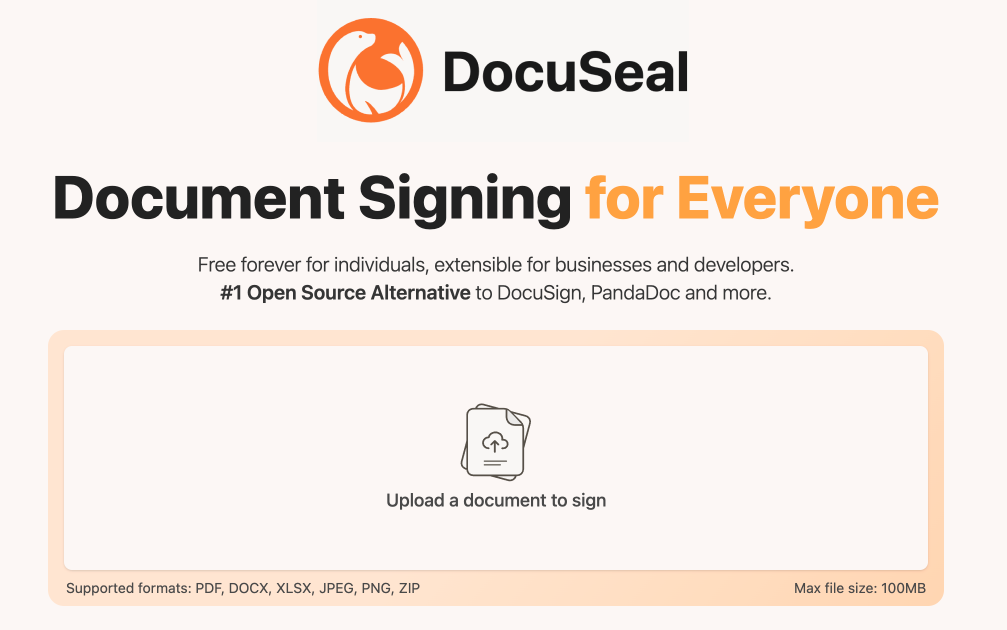
    DocuSeal Deploy DocuSeal on CloudStation Without Managing Servers What is DocuSeal? DocuSeal is a popular open-source e-signature platform: a self-hosted tool to build PDF forms, collect legally-binding electronic signatures, and manage signing workflows. Create documents with a drag-and-drop builder, send them for signature, and track completion — all from software you host and control, with no per-signature fees. Deploy DocuSeal on CloudStation when you want a self-hosted DocuSign alternative without setting up servers, PostgreSQL, domains, SSL, or Docker by hand. This template ships DocuSeal 3.2.5 with a dedicated PostgreSQL 16 database and a persistent volume for your uploaded and signed documents, so your files survive restarts and redeploys. ⚠️ First login: open your app URL and complete the one-time setup form to create your admin account — there is no default username or password. To send signing invitations and password-reset emails you must configure SMTP (in-app under Settings → Email, or via environment variables); see this template's setup instructions. Best For and Not Best For Best for: businesses, agencies, HR, legal, real estate, and healthcare teams that sign contracts, NDAs, offer letters, and consent forms regularly and want to stop paying per-signature DocuSign fees while keeping documents on infrastructure they control. Not best for: teams that need a fully managed compliance vendor with in-house legal support and enterprise SSO out of the box, or that sign only a document or two per year. Why Teams Choose DocuSeal No Per-Signature Fees Self-host and send unlimited documents for signature without DocuSign's per-envelope pricing Add unlimited templates and reuse them for repeat agreements Predictable hosting cost instead of usage-based signature billing Legally Binding Signatures Signatures are compliant with ESIGN, UETA, and eIDAS and accepted worldwide Every submission produces an audit log and a signed, tamper-evident PDF 12+ field types — signature, initials, date, text, checkbox, file upload, and more Built for Real Workflows Drag-and-drop form builder — turn any PDF into a signable document, no code Multiple signers, signing order, and automatic email reminders REST API, webhooks, and embeddable signing forms to wire into your own apps and Zapier, Make, or n8n Data Control Without the DIY Pain Keep signed contracts on infrastructure you control, not a third-party cloud Dedicated PostgreSQL 16 database and a persistent volume at /data/docuseal for documents and signing certificates Deploy on your own CloudStation domain with free SSL and automatic backups DocuSeal vs Alternatives DocuSeal vs DocuSign : Choose DocuSeal when you want to self-host and avoid per-signature fees, and you are comfortable managing your own email and compliance settings. DocuSeal vs PandaDoc / Dropbox Sign : Choose DocuSeal for open-source control and flat hosting cost instead of per-seat SaaS subscriptions. DocuSeal vs OpenSign : Choose DocuSeal for its mature drag-and-drop builder, broad field types, and active release cadence. Why Deploy DocuSeal on CloudStation? Skip manual e-signature hosting : CloudStation replaces the usual Docker Compose + PostgreSQL + reverse proxy + SSL setup with one click. Documents that persist : A dedicated volume at /data/docuseal keeps uploaded and signed files across restarts — a common self-hosted misconfiguration this template fixes for you. Pricing and Plan Fit 🚀 CloudStation Basic Plan : from $17.99/month for a standard marketplace deployment ✓ DocuSeal 3.2.5 + dedicated PostgreSQL 16 ✓ 10GB persistent storage per service ✓ Custom domains ✓ Free SSL ✓ Docker support ✓ Automatic backups Deployment note: This template deploys two services (DocuSeal and its PostgreSQL database). Heavy PDF rendering or many concurrent signers benefit from Essential or higher for more headroom. Common DocuSeal Use Cases Sales contracts and NDAs : Close deals with instant online signing instead of printing and scanning. HR onboarding : Send offer letters and policy acknowledgements for e-signature. Real estate : Get leases, disclosures, and purchase agreements signed remotely. Healthcare intake : Collect patient consent and intake forms securely. Self-hosted DocuSign alternative : Replace per-signature SaaS billing with flat hosting. FAQ Is DocuSeal open source and free? Yes. DocuSeal is open source and self-hostable with no per-signature fees; you pay only for the CloudStation resources it runs on. Are DocuSeal signatures legally binding? Yes. DocuSeal produces signatures compliant with ESIGN, UETA, and eIDAS, plus an audit trail and a signed PDF for each completed document. What are the login credentials after deploying? There are none by default. On first visit you complete a setup form that creates your admin account. Do I need to configure email? Yes, to send signing invitations and password resets. Configure SMTP in-app under Settings → Email, or via SMTP environment variables — see this template's setup instructions. Never set an empty SMTP_ADDRESS, or in-app email settings are ignored. Will my signed documents survive a restart? Yes. This template mounts a persistent volume at /data/docuseal, so uploaded and signed files and signing certificates are retained. Does DocuSeal have an API? Yes. DocuSeal offers a REST API, webhooks, and embeddable signing forms for integration with your own apps and automation tools. Start Collecting Signatures With DocuSeal If you are searching for self-host DocuSeal , DocuSeal hosting , open-source e-signature , a self-hosted DocuSign alternative , or sign documents online without per-signature fees , this CloudStation template is built for that intent. Launch DocuSeal, build your first template, configure email, and start sending documents for signature in an environment you control. Deploy DocuSeal Now → Legally-binding e-signatures. Your documents. Zero server management. DocuSeal on CloudStation: open-source, self-hosted electronic signatures — a DocuSign alternative without running the deployment stack by hand.

    14 deployments

  • Keycloak

    CloudStation

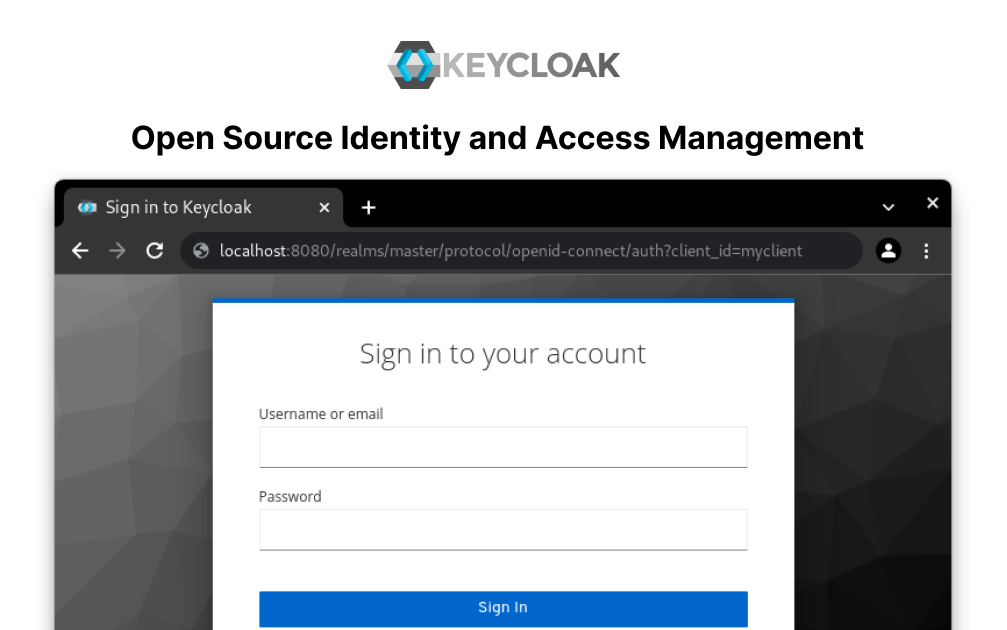
    Seamless Identity and Access Management with CloudStation's 1-Click Deploy Keycloak provides open-source identity and access management for modern applications and services. Why Choose This Template? Open-Source Security : Get robust identity and access management without additional licensing costs. Enhanced Integration : Easily integrate Keycloak with various applications, ensuring secure authentication. Scalable Solutions : Handle growing user bases efficiently with Keycloak's flexible configuration. Trusted Reliability : Utilize a widely-adopted project backed by a strong community and frequent updates. CloudStation Advantages: One-click deployment : Deploy Keycloak effortlessly with one click. Scalability : Seamlessly scale your application to handle any number of users. Cost-effectiveness : Optimize operational costs with CloudStation's efficient resource management. Easy integration with other tools : Smoothly integrate Keycloak with other applications and services on CloudStation. Perfect For: Developers : Streamline identity management in your applications. IT Administrators : Enhance security protocols across your organization. Businesses : Implement reliable, scalable user authentication and authorization solutions. Unlock the full potential of identity and access management with Keycloak on CloudStation today! #IdentityManagement #CloudSolutions #OpenSource #Keycloak

    5 deployments

  • Vaultwarden

    CloudStation

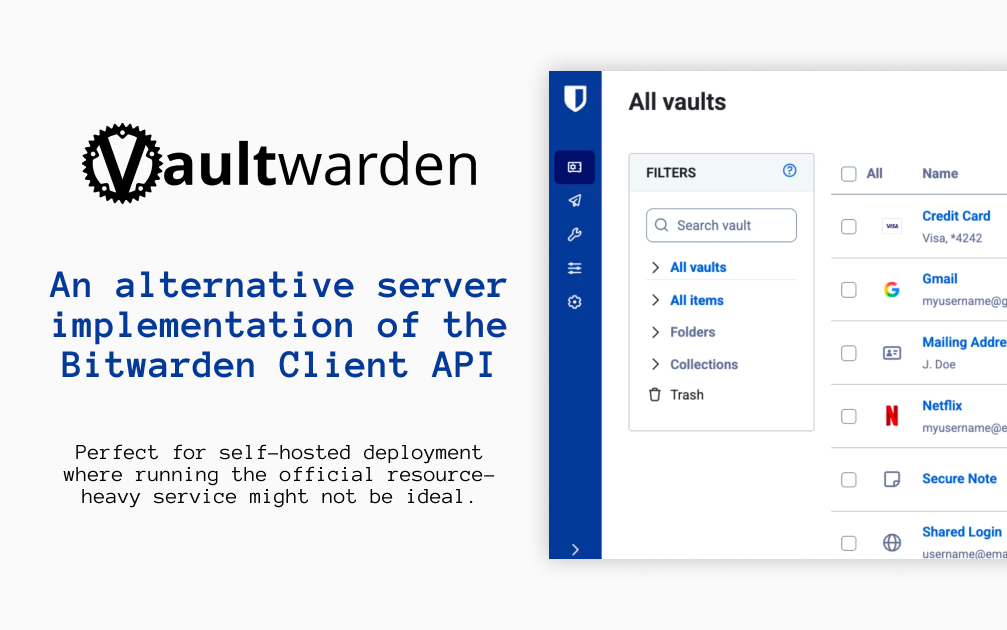
    Vaultwarden Deploy Vaultwarden on CloudStation Without Managing Servers What is Vaultwarden? Vaultwarden is an open-source password manager server written in Rust. It is an alternative implementation of the Bitwarden Client API, compatible with the official Bitwarden apps and browser extensions, and designed for self-hosting where running the official, resource-heavy server is not ideal. Vaultwarden is an unofficial project and is not associated with Bitwarden, Inc. Deploy Vaultwarden on CloudStation when you want your own password vault for yourself, your family, or a small team without setting up Docker, a reverse proxy, or SSL certificates by hand. This template ships Vaultwarden 1.37.3 with public sign-ups turned off and a persistent volume for the vault database and attachments, so your data survives restarts and redeploys. The web vault requires HTTPS, and CloudStation provides it automatically. ⚠️ Before you start: Public sign-ups are off. Open /admin on your Vaultwarden address and sign in with the admin token, which is generated for each deployment and stored in the service's environment variables as ADMIN_TOKEN . Invite your own email address, then create your account in the web vault with that email. Without email (SMTP) configured, invited addresses can register directly. Best For and Not Best For Best for: individuals, families, freelancers, and small organizations who want the Bitwarden apps they already know with a server they control. It suits anyone who wants to share passwords with a few people through organizations and collections. Not best for: companies that need an official vendor support contract or a certified, audited hosted service. Vaultwarden is a community project, so bugs should be reported to Vaultwarden, not to Bitwarden support. Why Teams Choose Vaultwarden Works With the Bitwarden Apps Use the official Bitwarden mobile, desktop, and browser extension clients Point each app at your self-hosted server URL before signing in A web vault is bundled in the container Website icons shown next to your logins Your Vault, Encrypted on Your Devices Bitwarden clients encrypt your data on your device before it is sent to the server Bitwarden documents that the master password is never transmitted to the server Two-step login with authenticator apps and FIDO2 WebAuthn security keys Open source under the AGPL-3.0 license Sharing for Families and Teams Organizations with collections for shared passwords Member roles and groups to control who sees what Organization policies and event logs Bitwarden Send to share text and files securely Admin Control An admin page at /admin to invite users and manage settings Public sign-ups off by default on this template File attachments on vault items Personal API keys for the Bitwarden CLI Vaultwarden vs Alternatives Vaultwarden vs Bitwarden cloud : Choose Vaultwarden when you want the same apps with your vault stored on a server you control. Vaultwarden vs the official self-hosted Bitwarden server : Choose Vaultwarden when you want a lighter server that runs as a single container with modest memory. Vaultwarden vs 1Password : Choose Vaultwarden when you want an open-source, self-hosted password manager instead of a hosted subscription. Why Deploy Vaultwarden on CloudStation? HTTPS handled for you : The Bitwarden web vault only works over HTTPS, and CloudStation provides SSL automatically on your web address. Closed by default : Public sign-ups are off and the admin token is unique to your deployment, so strangers cannot create accounts. Data that persists : A dedicated volume keeps the vault database, attachments, and settings across restarts and redeploys. Pricing and Plan Fit 🚀 CloudStation Basic Plan : from $17.99/month for a standard marketplace deployment ✓ Vaultwarden 1.37.3 with sign-ups disabled ✓ 5GB persistent storage for the vault ✓ Custom domains ✓ Free SSL ✓ Docker support Deployment note: This template deploys one service with 512MB of memory. Email (SMTP) is not configured by default; add SMTP settings if you want invitation emails and email-based features. Common Vaultwarden Use Cases Personal password manager : Keep every login in a vault you host, synced across phone, laptop, and browser. Family vault : Share streaming, banking, and household logins through an organization. Small team credentials : Give each team a collection of shared service passwords. Secure sharing : Send a password or file to someone with Bitwarden Send. Leaving a hosted password manager : Import your existing vault into the Bitwarden web vault on your own server. FAQ Is Vaultwarden free? Yes. Vaultwarden is open source under the AGPL-3.0 license. You pay only for the CloudStation resources it runs on. What are the login credentials after deploying? There is no preset user account. Open /admin and sign in with the admin token stored in the service's environment variables as ADMIN_TOKEN. Invite your email address, then create your account in the web vault with that email and choose your master password. Why can't I sign up directly? Public sign-ups are turned off so strangers cannot create accounts on your server. Only addresses you invite from the admin page can register. Can I use the official Bitwarden apps? Yes. In the Bitwarden app or browser extension, choose the self-hosted option and enter your Vaultwarden web address as the server URL before logging in. Is Vaultwarden made by Bitwarden? No. Vaultwarden is an unofficial, community project and is not associated with Bitwarden, Inc. Report issues to the Vaultwarden project, not to Bitwarden support. Can the server read my passwords? Bitwarden clients encrypt your vault on your device, and Bitwarden documents that the master password is never transmitted to the server. Keep your master password safe: it cannot be recovered from the server. Will my vault survive a restart? Yes. A 5GB persistent volume keeps the vault database and attachments across restarts and redeploys. Keep your own exports as a backup as well. Start Managing Passwords With Vaultwarden If you are searching for self-host Vaultwarden , Vaultwarden hosting , a self-hosted Bitwarden server , a self-hosted password manager , a 1Password alternative , or an open-source family password manager , this CloudStation template is built for that intent. Launch Vaultwarden, invite yourself from the admin page, and start saving passwords in an environment you control. Deploy Vaultwarden Now → Bitwarden-compatible vault. Your own server. Zero server management. Vaultwarden on CloudStation: an unofficial, open-source Bitwarden-compatible password server with HTTPS and sign-ups locked down, without running the deployment stack by hand.

    3 deployments