CloudStation
  • How it works
  • Use cases
  • Solo foundersAn assistant that answers your customersStartupsSales, support and research without new hiresAgencies and studiosMore client work from the same teamCTOsAgents behind your own softwareEnterpriseThe whole platform on your own servers

    Industries

    Media and entertainmentResearch and academiaHealthcareFinancial servicesEducationE-commerce and retail
  • Templates
  • Pricing
  • Blog
  • Changelog
Start with Charlie
  • How it works
  • Use cases
  • Templates
  • Pricing
  • Blog
  • Changelog

Built for

  • Solo founders
  • Startups
  • Agencies and studios
  • CTOs
  • Enterprise

Industries

  • Media and entertainment
  • Research and academia
  • Healthcare
  • Financial services
  • Education
  • E-commerce and retail
Start with Charlie

Template store

Ready-made apps, set up by Charlie.

Databases, CRMs, analytics, support desks and workflow tools. CloudStation hosts each one with its own address, storage and logs. Deploy an app yourself, or ask Charlie to set it up for your team.

Browse the appsStart with Charlie
Template storeMost deployed
  1. Picked from the store
  2. Set up by Charlie
  3. Running

The catalog

Search the apps, or browse by category.

Sorted by how often each app has been deployed. Open one to read what it does and deploy it.

How it works

From the store to a working address.

  1. 01

    Pick an app

    Search by name or open a category. Each page says what the app does and how many times it has been deployed.

  2. 02

    Deploy it yourself

    Deploy opens the template in your CloudStation workspace. Fill in the settings it asks for and start it.

  3. 03

    Or ask Charlie

    Tell Charlie which app you want and what your team will use it for. Charlie sets it up and reports back in the thread.

  4. 04

    Share the address

    The app gets its own web address. Point your own domain at it when you want, and CloudStation sets up SSL.

Running today

A sales team's CRM runs on one of these apps.

Twenty CRM is in the store. One sales team runs it on CloudStation, and eight agents work in it.

They find companies, research them, find the decision maker and draft the first email. A person on the team approves every email.

AI CRM for a sales team, on Twenty

  1. 01Company scout
  2. 02Account researcher
  3. 03People finder
  4. 04Outreach writer
  5. 05Follow-up keeper
  6. 06Daily reporter
  7. 07Product expert
  8. 08Coordinator

A person approves each email before it is sent.

Hosting

What every app gets.

The same hosting your own apps get when Charlie builds them.

  • Data that survives restarts

    A storage volume keeps the app's data across restarts and redeployments.

  • Logs in your workspace

    Read the app's logs from your workspace when something looks wrong.

  • Every deployment listed

    The deployment history shows what changed and when.

  • From 1 app to 16

    Basic hosts 1 app, Essential 4, Pro 9 and Team 16. Pricing has the current prices.

Questions

About the apps.

Who makes these apps?

Most are open-source projects, packaged so they start on CloudStation. Each template page shows who packaged it and links to the project when there is a link.

What does it cost to host one?

Hosting comes with the cloud plans. Basic runs 1 app, Essential 4, Pro 9 and Team 16. The pricing page has the current prices.

Can Charlie work inside the app once it runs?

That depends on the app. Charlie works with an app through its API or a connected tool, the way a sales team's eight agents work in their Twenty CRM. Ask Charlie about the app you have in mind before you deploy it.

Is my data kept when the app restarts?

Yes. Data on the app's storage volume stays through restarts and redeployments. A volume is not a backup, and deleting the app deletes its data.

The app I need is not in the store. What now?

CloudStation also runs apps from a Docker image or a Git repository. Tell Charlie what you need and it can deploy one, or build the tool for you.

Tell Charlie which app your team needs.

Name the app and what it is for. Charlie sets it up on CloudStation, and your team opens it at its own address.

Start with Charlie


CloudStation

Charlie runs a team of AI specialists on CloudStation. Work starts from a customer message, a schedule or your own app, and Charlie asks you only when it matters.

Products
  • How it works
  • Use cases
  • Tools
  • Pricing
  • Enterprise
Resources
  • Template Store
  • Use case videos
  • Changelog
  • Blog
  • Careers
  • FAQ
Legal
  • Privacy Policy
  • Terms & Conditions
  • Refund Policy
  • Cancellation Policy
  • Data Processing Agreement

©2026 CloudStation

Template storeMost deployed
  • Evolution Api
  • Bolt.new
  • N8N Advanced
  • N8N Light
  • Redis
  • PostgresSQL
  1. Picked from the store
  2. Set up by Charlie
  3. Running

https://evolution-api-•••.cloud-station.apphttps://bolt-•••.cloud-station.apphttps://n8n+worker-•••.cloud-station.apphttps://n8n-•••.cloud-station.apphttps://redis-•••.cloud-station.apphttps://postgres-•••.cloud-station.app

7 apps

All apps 79Dev & Deployment 37AI & Automation 30Data & Databases 20Customer & Marketing 15Communication 14Business & Finance 7Security & Auth 3Content & CMS 2Other 1
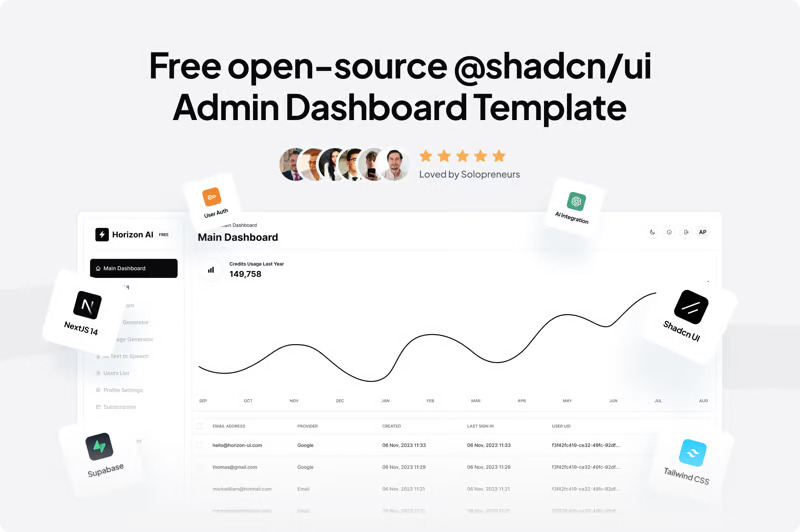
  • Shadcn Dashboard Starter

    Nazir Bahadori

    Shadcn-ui Admin Dashboard Starter Template Built with the Next.js App Router Overview Framework - Next.js 14 Language - TypeScript Styling - Tailwind CSS Components - Shadcn-ui Schema Validations - Zod State Management - Zustand Auth - Auth.js File Uploading - Uploadthing Tables - Tanstack Tables Forms - React Hook Form Linting - ESLint Pre-commit Hooks - Husky Formatting - Prettier Getting Started Follow these steps to clone the repository and start the development server: Create a .env.local file by copying the example environment file: cp env.example.txt .env.local Add the required environment variables to the .env.local file. yarn run dev

    30 deployments

  • Odoo

    CloudStation

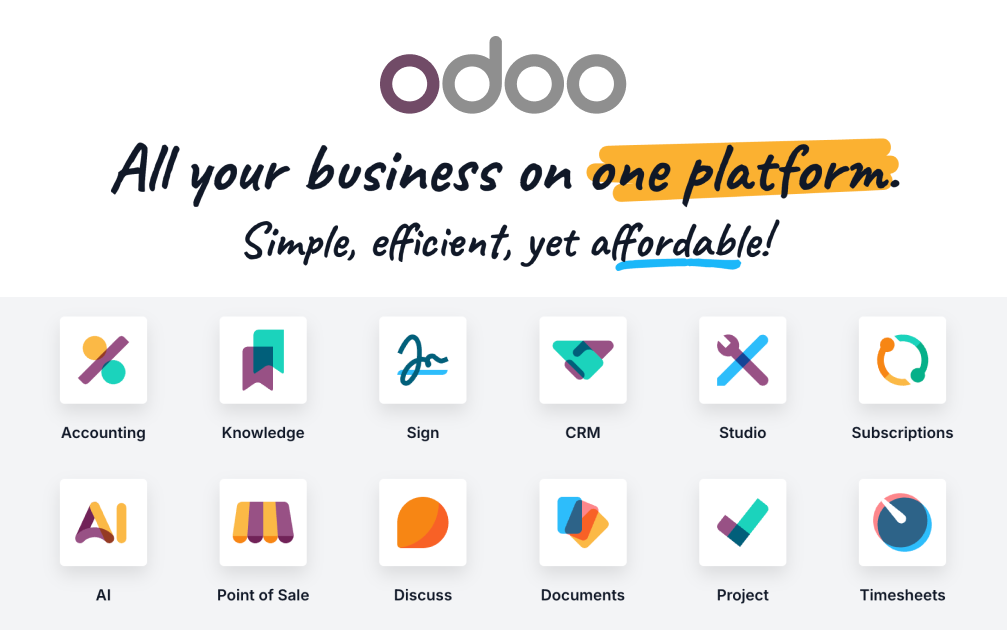
    Odoo Deploy Odoo on CloudStation Without Managing Servers What is Odoo? Odoo is the world's most popular open-source business platform: a single suite of integrated apps covering CRM, sales, invoicing, accounting, inventory, e-commerce, HR, projects, and more. You start with the apps you need and activate others as you grow — all sharing one database, one interface, and one source of truth. Deploy Odoo on CloudStation when you want the full ERP/CRM suite without setting up servers, PostgreSQL, domains, SSL, backups, or Docker by hand. This template ships Odoo 18 Community with a dedicated PostgreSQL 16 database, persistent storage for your files, and hardened defaults — the database manager is disabled and no demo data is installed, so you start clean and secure. ⚠️ First login: username admin , password admin — change it immediately after your first login (Settings → Users & Companies → Users). Best For and Not Best For Best for: SMBs, startups, agencies, and operations teams that want CRM, invoicing, inventory, and accounting in one self-hosted system instead of five separate SaaS subscriptions. Not best for: teams that only need a single narrow tool (just a CRM, just invoicing) and will never use the rest of the suite — a focused single-purpose app may be simpler. Why Teams Choose Odoo One Platform, 40+ Business Apps Activate CRM, Sales, Invoicing, Inventory, Accounting, Website, HR, and more from the built-in Apps store — no extra deployments Every app shares the same contacts, products, and data — no sync, no integrations to maintain Start with one app and grow into a full ERP at your own pace True Open Source Odoo Community is LGPL-licensed with full source code and no per-user fees A massive ecosystem of community modules extends every corner of the suite Your business logic and data stay yours — no vendor lock-in Sales-to-Cash in One Flow Track leads in the CRM pipeline, convert to quotations, confirm orders, and invoice — all in one place Automatic tax computation, sequences, and document numbering out of the box Customer portal, email templates, and PDF documents included Data Control Without the DIY Pain Keep your ERP data on infrastructure you control Dedicated PostgreSQL 16 database with persistent volumes for filestore and data Deploy on your own CloudStation domain with free SSL and automatic backups Odoo vs Alternatives Odoo vs Salesforce + QuickBooks + Shopify : Choose Odoo when you want one integrated suite instead of stitching together three subscriptions with sync tools. Odoo vs ERPNext : Choose Odoo for the larger app ecosystem, bigger community, and more polished interface. Odoo vs SAP / NetSuite : Choose Odoo when you want ERP capability without enterprise licensing costs and multi-month implementations. Why Deploy Odoo on CloudStation? Skip manual ERP hosting : CloudStation replaces the usual Docker Compose + PostgreSQL + reverse proxy + SSL setup with one click. Hardened by default : The public database manager is disabled (a common self-hosted Odoo attack surface) and no demo data is installed. Production-shaped resources : 1 vCPU / 2GB RAM for Odoo and a dedicated 0.6 vCPU / 1GB PostgreSQL — enough to run a real team, upgradeable anytime. Pricing and Plan Fit 🚀 CloudStation Basic Plan : $17.99/month total for a standard marketplace deployment ✓ Odoo 18 + dedicated PostgreSQL 16 ✓ 10GB storage per service ✓ Custom domains ✓ Free SSL ✓ Docker support ✓ Automatic backups Deployment note: This template deploys two services (Odoo and its PostgreSQL database). If you plan heavy usage — large inventory, many users, e-commerce traffic — Essential or higher gives you more headroom. Common Odoo Use Cases All-in-one business OS : Run CRM, quotes, invoices, and stock from one login. Open-source ERP for SMBs : Get ERP capability without enterprise pricing. Agency / consultancy back office : Pipeline, timesheets, invoicing, and projects in one system. Self-hosted accounting + invoicing : Keep financial data in your own environment. FAQ Is Odoo open source? Yes. Odoo Community is LGPL-licensed and free to use with unlimited users. What do I get right after deploying? A clean Odoo 18 instance with the Apps store ready — activate CRM, Sales, Invoicing, Inventory, and 40+ other apps with one click each. What are the login credentials? Username admin , password admin . Change the password immediately after your first login. Is demo data installed? No. This template initializes a clean database with no demo records, ready for real data. Can I install community modules? Yes — the instance includes an extra-addons path; contact support to mount custom modules, or install any module from the built-in Apps store. Start Running Your Business on Odoo If you are searching for self-host Odoo , Odoo hosting , open-source ERP , or deploy Odoo without managing servers , this CloudStation template is built for that intent. Launch Odoo, activate your first apps, invite your team, and run your business in an environment you control. Deploy Odoo Now → One platform. Every business app. Zero server management. Odoo on CloudStation: the full open-source business suite — CRM to accounting — without running the deployment stack by hand.

    26 deployments

  • Lago

    Cloudstation

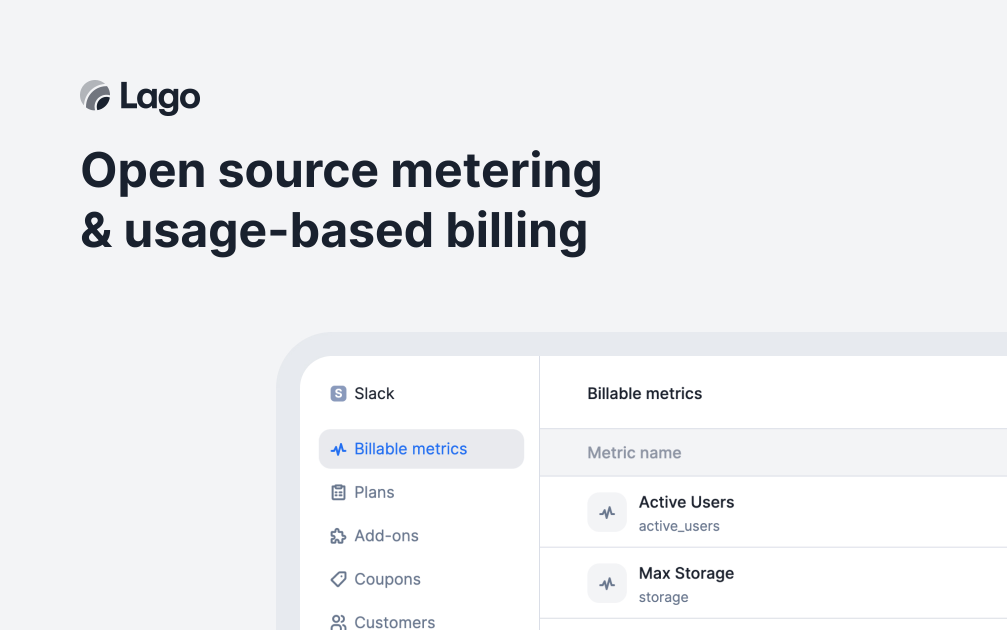
    Turn Your Product into a Revenue Machine with Lago - Simple Usage-Based Billing Lago is a powerful open-source platform that helps you create and manage flexible usage-based pricing for your product, turning your metrics into revenue without complex billing setups. Why Choose This Template? Flexible Billing Models: Create any pricing plan from simple subscriptions to complex usage-based models. Real-Time Usage Tracking: Monitor customer usage patterns and automatically calculate charges. Beautiful Invoices: Generate professional, customizable invoices that reflect your brand. Payment Integration: Connect seamlessly with popular payment providers like Stripe and GoCardless. CloudStation Advantages: Quick Setup: Start billing your customers in minutes with our simple setup process. Reliable Service: Count on consistent billing operations with CloudStation's robust infrastructure. Growth Ready: Scale your billing as your customer base grows. Perfect For: SaaS Companies looking to implement usage-based pricing models. Digital Service Providers wanting to automate their billing process. Startup Founders needing a flexible billing solution that grows with them. Product Managers aiming to experiment with different pricing strategies. Transform your product's pricing strategy with Lago on CloudStation - the simplest way to implement and manage usage-based billing. #Lago #UsageBasedPricing #SaasBilling #Pricing #RevenueManagement #BillingAutomation #StartupTools #ProductPricing

    15 deployments

  • Invoice Ninja

    CloudStation

    Invoice Ninja The Open-Source Invoicing Platform That Cuts Billing Costs by 91% Deploy a professional, self-hosted invoicing system in under 2 minutes with CloudStation's one-click setup. Invoice Ninja combines enterprise-grade billing capabilities with complete independence - featuring unlimited invoices, unlimited clients, support for 50+ payment gateways, complete data ownership, and a beautiful interface that makes getting paid faster and easier than ever. What Makes Invoice Ninja Revolutionary? Escape the Billing Subscription Trap While FreshBooks charges $50-70/month for 50 clients and QuickBooks demands $30-100/month per user, Invoice Ninja on CloudStation gives you UNLIMITED invoices, UNLIMITED clients, and UNLIMITED users for just $17.99/month total. No per-invoice fees, no client limits, no surprise charges when you grow. Trusted by 450,000+ Businesses Worldwide With 8,000+ GitHub stars and a decade of proven reliability, Invoice Ninja has processed billions in invoices for freelancers, agencies, and enterprises across 170+ countries - all while maintaining complete transparency as open-source software. Get Paid Faster, Every Time Invoice Ninja's beautiful client portal and integrated payment processing mean clients pay with one click. Support for 50+ payment gateways (Stripe, PayPal, Square, Authorize.net, WePay, and more) ensures you never lose a sale because of payment friction. Core Capabilities Teams Love Professional Invoicing & Billing Unlimited invoices, quotes, and proposals Recurring billing with automated reminders Custom invoice templates with your branding Multi-currency support with auto-conversion Complete Financial Management Expense tracking with receipt uploads Time tracking integrated into invoices Project management with task billing Real-time reports and profit analytics Client Experience Excellence Branded client portal for self-service One-click payment processing Automatic payment receipts and confirmations Client statements and communication history Developer-Friendly Platform Comprehensive REST API for integrations Webhooks for real-time automation Custom fields and workflow flexibility Open source with active contributor community Who's Switching to Invoice Ninja? Freelancers : "Went from $600/year to $216/year - same features, better UX" Agencies : "Finally, unlimited team access without per-seat pricing" Consultants : "Time tracking to invoice in seconds, not hours" SaaS Companies : "Recurring billing that just works, without the Stripe premium" Why Deploy with CloudStation? 2-Minute Setup : One click and start invoicing - no server configuration required Everything Included : Database, file storage, email delivery, SSL - all for $17.99 Unlimited Everything : Invoices, clients, users, payment gateways - no artificial limits Zero Maintenance : We handle backups, updates, security patches, and performance Pricing That Actually Makes Sense 🚀 CloudStation Basic Plan : $17.99/month total ✓ 1 app deployment ✓ 10GB storage ✓ Custom domains ✓ Free SSL ✓ Docker support ✓ Automatic backups Compare to competitors: FreshBooks Plus (50 clients) = $50/month, or QuickBooks Simple Start = $30/month/user You save $32-360/month (64-95%!) with Invoice Ninja on CloudStation Start Your Billing Revolution Join 450,000+ businesses that get paid faster without subscription bloat. With CloudStation's one-click deployment, you'll have a fully functional, professional invoicing system running in under 2 minutes. Deploy Invoice Ninja Now → Unlimited invoicing. One price. Get paid faster. Invoice Ninja on CloudStation: $17.99 for unlimited everything. FreshBooks charges that for 5 billable clients.

    14 deployments

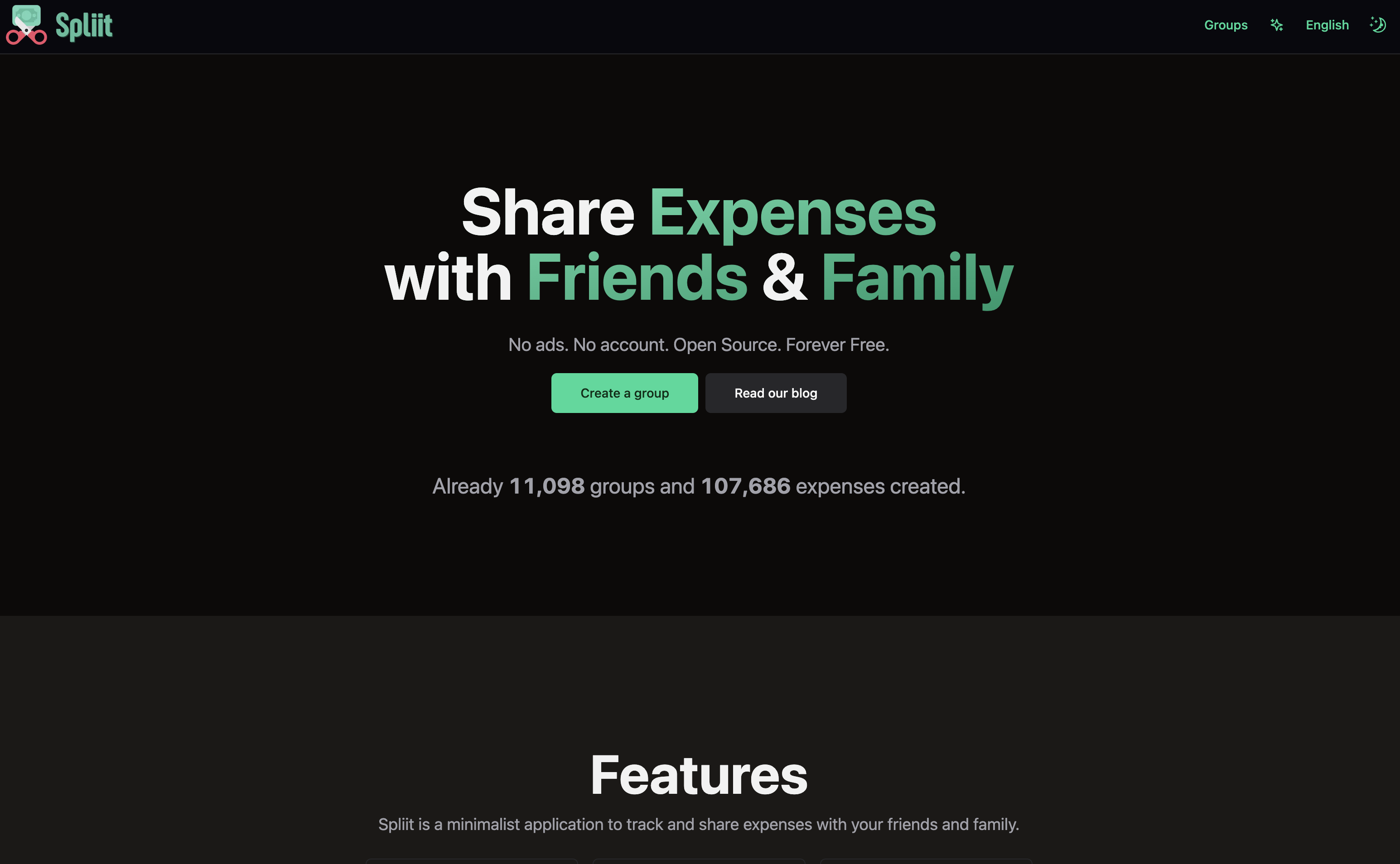
  • Spliit

    CloudStation

    Simplify Expense Sharing with CloudStation's 1-Click Deploy Spliit is the perfect open-source solution for managing shared expenses, providing a seamless alternative to traditional expense-sharing apps. Why Choose This Template? Open-Source Freedom : Leverage the power and flexibility of an open-source platform. Cost-Effective Solution : Spliit offers a budget-friendly alternative to paid expense management apps. Community-Driven Development : Enjoy continuous updates and improvements from a dedicated open-source community. Seamless Integration : Deploy effortlessly on CloudStation for enhanced convenience and accessibility. CloudStation Advantages: One-Click Deployment : Set up Spliit effortlessly with CloudStation’s streamlined deployment process. Scalability : Grow your usage without hassle, thanks to CloudStation's robust infrastructure. Cost-Effectiveness : Save on operational costs with CloudStation's optimized pricing models. Easy Integration : Connect Spliit with various tools for a comprehensive expense management solution. Perfect For: Friends or roommates sharing expenses Clubs or organizations needing transparent expense management Anyone seeking a reliable, open-source expense tracking tool Harness the potential of Spliit on CloudStation and take the hassle out of managing shared finances. Deploy now to experience simplicity and flexibility at its best. #ExpenseManagement #OpenSource #CloudStation #ExpenseSharing

    6 deployments

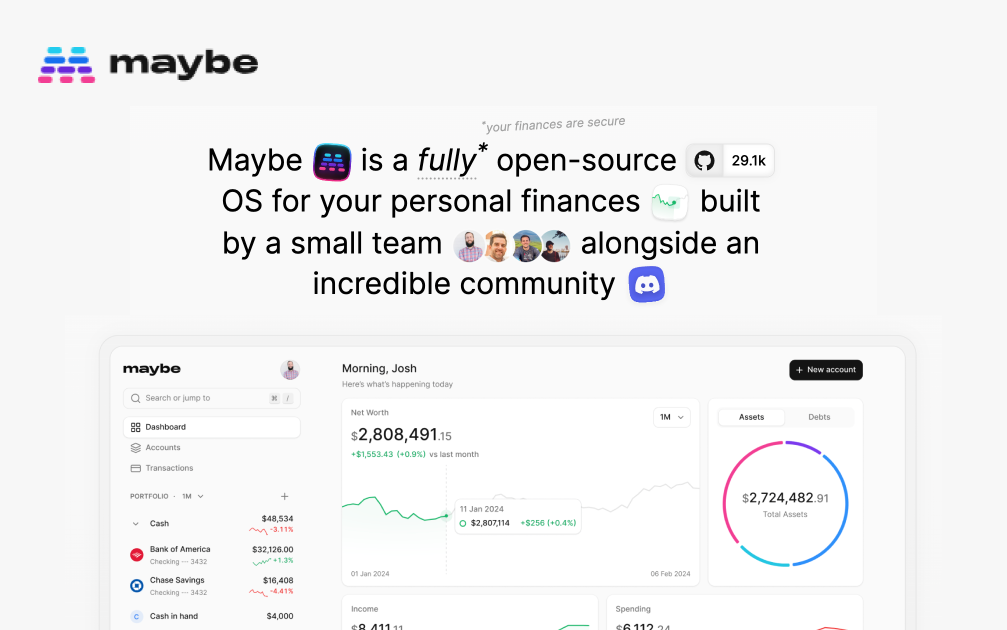
  • Maybe

    CloudStation

    Simplify Personal Finances with CloudStation's 1-Click Deploy Maybe OS offers a straightforward solution to manage your personal finances effortlessly. Why Choose This Template? Ease of Use: Designed with simplicity in mind, perfect for managing personal finances without unnecessary complexity. . Open-Source: Benefit from community-driven development, ensuring transparency and continuous improvement. . Cost-Effective: Being open-source means you save on expensive licensing fees. Seamless Cloud Integration: Optimized for CloudStation, enabling smooth and quick deployment. CloudStation Advantages: One-Click Deployment: Get Maybe OS up and running with just a single click. Scalability: Easily scale your financial management resources as your needs grow. Cost-Effectiveness: Save on infrastructure costs with CloudStation’s competitive pricing. Easy Integration: Effortlessly integrate with other tools and services on CloudStation. Perfect For: Individuals looking to manage personal finances. Users who prefer open-source solutions. Anyone seeking a hassle-free financial tool. Experience the best of open-source financial management with Maybe OS on CloudStation. Simplify your personal finance management today! #FinanceManagement #OpenSourceFinance #CloudStation

    4 deployments

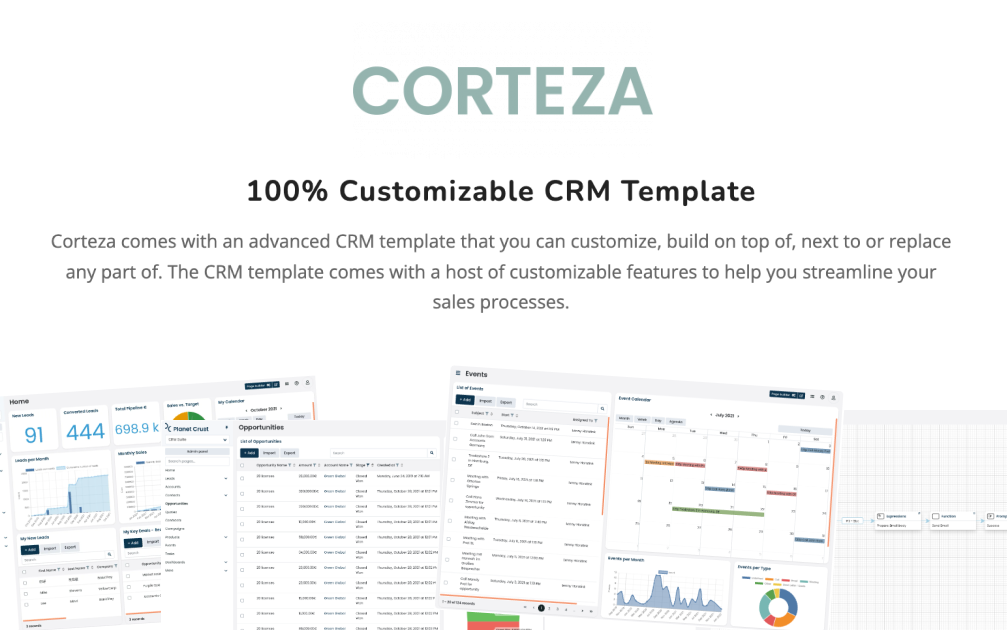
  • Corteza

    CloudStation

    Transform Your Enterprise with Corteza on Cloudstation Deploy Corteza on Cloudstation to elevate your business processes with the ultimate open-source digital work platform. Corteza is designed to empower organizations with a suite of powerful tools for CRM, workflow automation, low-code application development, and data integration, all within a secure, unified environment. This platform facilitates the creation of custom digital ecosystems, enabling businesses to manage data, automate processes, and enhance collaboration efficiently. Hosting Corteza on Cloudstation's scalable and secure infrastructure ensures that enterprises of all sizes can leverage its full potential without compromise. With Corteza, you gain the flexibility to tailor your digital workspace to your exact needs, driving innovation and efficiency across your operations. Opt for Corteza on Cloudstation for a comprehensive solution that simplifies complex business challenges through advanced digital transformation.