

Your approval
It stops before the money moves.
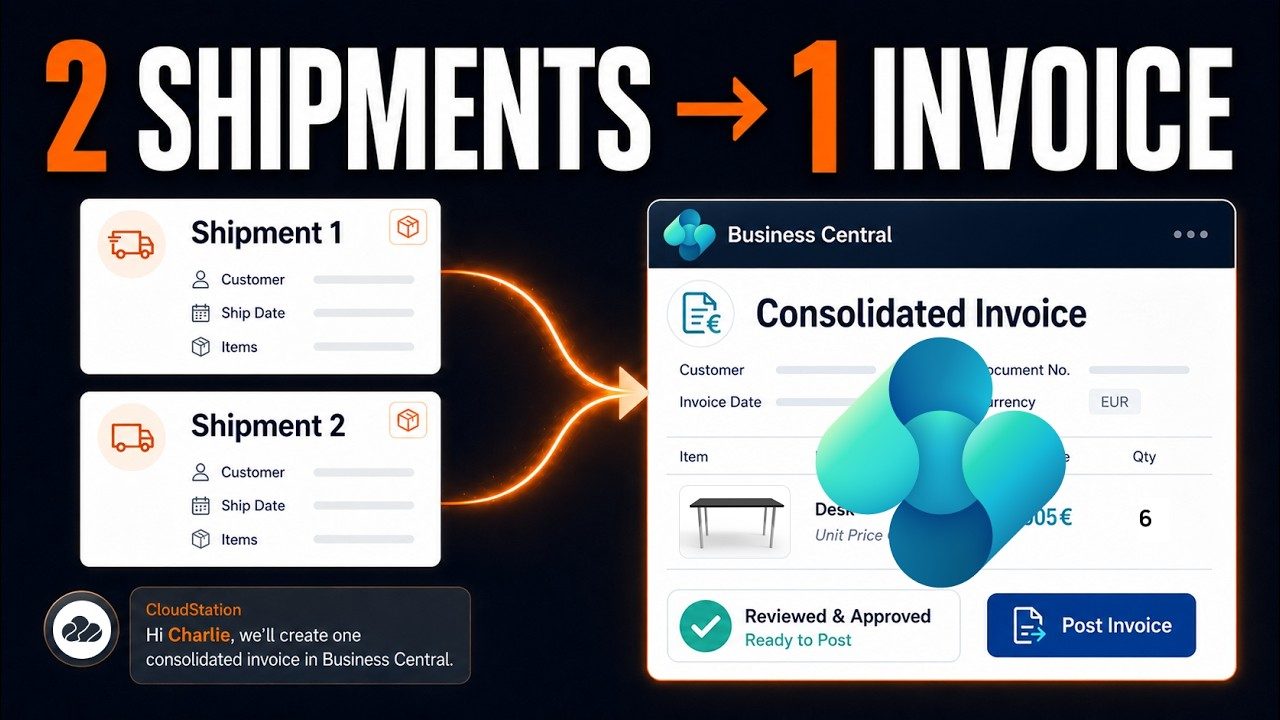
In a filmed Business Central run, the agent gathers two posted shipments into one draft invoice. The invoice is posted only after a person approves it.
For financial services
Invoices to draft, scans to file, the board pack to rebuild from Power BI. Charlie's specialists prepare that work in your own systems, and you approve before anything is posted or sent.
What it takes on
Where work starts
A customer message, a schedule or a request from your own software. Each one reaches the right specialist.
A client asks on WhatsApp or by email. The assistant looks up the invoice in your connected system and drafts the answer.
The invoicing run and the report start on schedule, and the drafts are waiting in the morning.
A new application in your portal can call an assistant to check the documents and return what is missing.
Where it stops
Every job shows who is working on it, the tools it used and what came out. You choose which tools the team can use, and you can stop a job at any point.
Invoices and entries stay drafts until a person with the right access posts them.
Emails and contracts are prepared for you to check and send.
It lists the differences it found and asks which figure is right.
How it keeps you safe
You choose what waits for a person’s approval, and dangerous commands are blocked before they run.
Your approval
In a filmed Business Central run, the agent gathers two posted shipments into one draft invoice. The invoice is posted only after a person approves it.
Guardrails
Wiping a drive, reading password and key files, erasing project history and deleting cloud resources are blocked before they run. Jev also stops commands that would destroy work for good, and file changes that would save a password into your code.
BLOCKED: Dangerous command detected!

Command: rm -rf ~
Reason: Recursive removal targeting home directory

This command could cause irreversible data loss or system damage.
Built on CloudStation
Each video is a real run in Business Central, Odoo, SharePoint, DocuSeal, Excel or Power BI.
5 minFilmed in Business Central
The agent gathers posted shipments into one draft invoice and posts it after a person approves. The whole flow takes three chat messages.
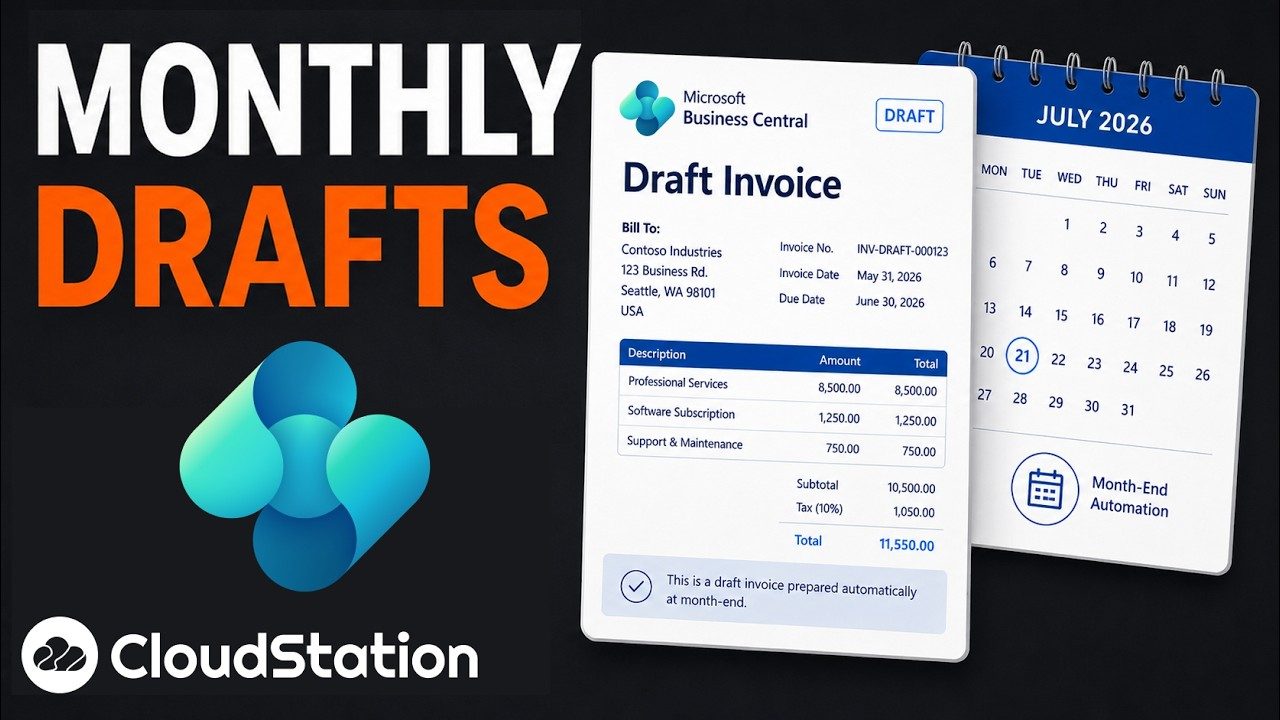 8 min
Filmed in Business Central
At month end the agent drafts the invoices for a person to review and post.
 6 min
Filmed in Power BI
The agent writes the Power BI report itself. One run built a five-page report from Business Central data.
Your tools
Business Central, Power BI, SharePoint, OneDrive and Outlook are built-in connections too. Other systems can be added with their own API key.
 Gmail
 WhatsApp
 Google Drive
 Slack
 Google Calendar
 Notion
Questions
You choose which tools each assistant can use, set them read-only and block specific actions. Admins share keys with the team, and members never see the secret. A private deployment of the whole platform can be arranged.
Business Central, Power BI, SharePoint, Outlook and Gmail are built in. Odoo and other systems with an API can be added as custom tools with their own key.
Treat it as a first pass. You review the records and drafts before anything is posted. You can also ask it to list every field it could not read.
Yes. Every job shows who worked on it, the tools it used, what went in and what came out. You can share a conversation read-only with a reviewer.
Yes. Each assistant has its own instructions, templates and tools, so a team in another country can follow its own rules.
Connect Business Central or Odoo, let it draft the invoices, and check them before you post.
Start with Charlie