CloudStation
  • How it works
  • Use cases
  • Solo foundersAn assistant that answers your customersStartupsSales, support and research without new hiresAgencies and studiosMore client work from the same teamCTOsAgents behind your own softwareEnterpriseThe whole platform on your own servers

    Industries

    Media and entertainmentResearch and academiaHealthcareFinancial servicesEducationE-commerce and retail
  • Templates
  • Pricing
  • Blog
  • Changelog
Start with Charlie
  • How it works
  • Use cases
  • Templates
  • Pricing
  • Blog
  • Changelog

Built for

  • Solo founders
  • Startups
  • Agencies and studios
  • CTOs
  • Enterprise

Industries

  • Media and entertainment
  • Research and academia
  • Healthcare
  • Financial services
  • Education
  • E-commerce and retail
Start with Charlie

Template store

Ready-made apps, set up by Charlie.

Databases, CRMs, analytics, support desks and workflow tools. CloudStation hosts each one with its own address, storage and logs. Deploy an app yourself, or ask Charlie to set it up for your team.

Browse the appsStart with Charlie
Template storeMost deployed
  1. Picked from the store
  2. Set up by Charlie
  3. Running

The catalog

Search the apps, or browse by category.

Sorted by how often each app has been deployed. Open one to read what it does and deploy it.

How it works

From the store to a working address.

  1. 01

    Pick an app

    Search by name or open a category. Each page says what the app does and how many times it has been deployed.

  2. 02

    Deploy it yourself

    Deploy opens the template in your CloudStation workspace. Fill in the settings it asks for and start it.

  3. 03

    Or ask Charlie

    Tell Charlie which app you want and what your team will use it for. Charlie sets it up and reports back in the thread.

  4. 04

    Share the address

    The app gets its own web address. Point your own domain at it when you want, and CloudStation sets up SSL.

Running today

A sales team's CRM runs on one of these apps.

Twenty CRM is in the store. One sales team runs it on CloudStation, and eight agents work in it.

They find companies, research them, find the decision maker and draft the first email. A person on the team approves every email.

AI CRM for a sales team, on Twenty

  1. 01Company scout
  2. 02Account researcher
  3. 03People finder
  4. 04Outreach writer
  5. 05Follow-up keeper
  6. 06Daily reporter
  7. 07Product expert
  8. 08Coordinator

A person approves each email before it is sent.

Hosting

What every app gets.

The same hosting your own apps get when Charlie builds them.

  • Data that survives restarts

    A storage volume keeps the app's data across restarts and redeployments.

  • Logs in your workspace

    Read the app's logs from your workspace when something looks wrong.

  • Every deployment listed

    The deployment history shows what changed and when.

  • From 1 app to 16

    Basic hosts 1 app, Essential 4, Pro 9 and Team 16. Pricing has the current prices.

Questions

About the apps.

Who makes these apps?

Most are open-source projects, packaged so they start on CloudStation. Each template page shows who packaged it and links to the project when there is a link.

What does it cost to host one?

Hosting comes with the cloud plans. Basic runs 1 app, Essential 4, Pro 9 and Team 16. The pricing page has the current prices.

Can Charlie work inside the app once it runs?

That depends on the app. Charlie works with an app through its API or a connected tool, the way a sales team's eight agents work in their Twenty CRM. Ask Charlie about the app you have in mind before you deploy it.

Is my data kept when the app restarts?

Yes. Data on the app's storage volume stays through restarts and redeployments. A volume is not a backup, and deleting the app deletes its data.

The app I need is not in the store. What now?

CloudStation also runs apps from a Docker image or a Git repository. Tell Charlie what you need and it can deploy one, or build the tool for you.

Tell Charlie which app your team needs.

Name the app and what it is for. Charlie sets it up on CloudStation, and your team opens it at its own address.

Start with Charlie


CloudStation

Charlie runs a team of AI specialists on CloudStation. Work starts from a customer message, a schedule or your own app, and Charlie asks you only when it matters.

Products
  • How it works
  • Use cases
  • Tools
  • Pricing
  • Enterprise
Resources
  • Template Store
  • Use case videos
  • Changelog
  • Blog
  • Careers
  • FAQ
Legal
  • Privacy Policy
  • Terms & Conditions
  • Refund Policy
  • Cancellation Policy
  • Data Processing Agreement

©2026 CloudStation

Template storeMost deployed
  • Evolution Api
  • Bolt.new
  • N8N Advanced
  • N8N Light
  • Redis
  • PostgresSQL
  1. Picked from the store
  2. Set up by Charlie
  3. Running

https://evolution-api-•••.cloud-station.apphttps://bolt-•••.cloud-station.apphttps://n8n+worker-•••.cloud-station.apphttps://n8n-•••.cloud-station.apphttps://redis-•••.cloud-station.apphttps://postgres-•••.cloud-station.app

14 apps

All apps 79Dev & Deployment 37AI & Automation 30Data & Databases 20Customer & Marketing 15Communication 14Business & Finance 7Security & Auth 3Content & CMS 2Other 1
  • Linkstack

    CloudStation

    Optimize Online Link Management with LinkStack on Cloudstation Deploy LinkStack on Cloudstation for a customizable, privacy-focused alternative to Linktree. This open-source platform revolutionizes link management and sharing, allowing full control by hosting links on your own server. Ideal for businesses and organizations, LinkStack supports self-hosting to safeguard user data, offers drag-and-drop simplicity for easy implementation, and ensures efficient online link management without the hassle of complex coding. Start with LinkStack on Cloudstation for a secure, user-friendly link management solution.

    2 deployments

  • Memos

    CloudStation

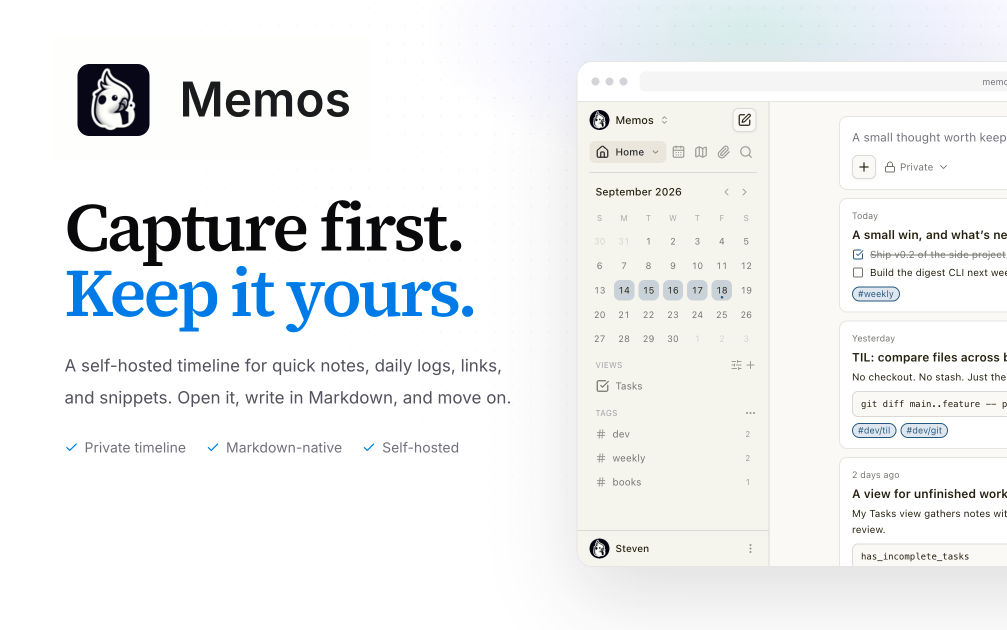
    Memos Deploy Memos on CloudStation Without Managing Servers What is Memos? Memos is an open-source, self-hosted note-taking app built for quick capture. You write in Markdown and save without choosing a title, folder, or template, and your notes flow into a chronological timeline. It suits daily notes, links, work logs, and snippets, and it is a lightweight self-hosted alternative to Google Keep, Apple Notes, or a private microblog. Deploy Memos on CloudStation when you want your own notes app on a web address you control without setting up Docker, a reverse proxy, or SSL by hand. This template ships Memos 0.30.0 with its SQLite database and attachments on a persistent volume, so your notes and uploaded files survive restarts and redeploys. Memos is MIT-licensed and the project states it has zero telemetry. ⚠️ Before you start: The first account created becomes the admin . After that, anyone who finds your address can register until you turn registration off. Open your Memos address right after deploying, create your account, then go to Settings and disable user registration. Best For and Not Best For Best for: individuals, developers, and small teams who want a fast place to jot down ideas, links, and logs, and who care about owning their notes. It is also a good fit for anyone who wants to publish a few public notes while keeping the rest private. Not best for: teams that need a full wiki with nested pages, real-time collaborative document editing, databases and project boards like Notion, or long-form documentation. Why Teams Choose Memos Capture First, Organize Later Markdown-native notes with no title, folder, or template required A chronological timeline of everything you write Tags and pins to revisit what matters Search across your notes You Own the Data Self-hosted, with the database and attachments on your own volume Zero telemetry, according to the Memos project Open source under the MIT license Private or Public, Per Note Keep memos private or publish only what you choose Visibility controls on each memo Attach images and files to notes Built to Connect REST and gRPC APIs for automation and integrations Webhooks for event-driven workflows A web clipper extension for Chrome and Firefox to save pages and selections API tokens for scripts and other apps Memos vs Alternatives Memos vs Google Keep : Choose Memos when you want quick notes with Markdown, tags, and an API, stored on infrastructure you control. Memos vs Notion : Choose Memos when you want fast capture and a simple timeline instead of a full workspace with pages and databases. Memos vs Obsidian : Choose Memos when you want notes in the browser from any device without syncing a local vault. Why Deploy Memos on CloudStation? Ready in minutes : One service with its database and attachments on a persistent volume, no database server to set up. HTTPS included : CloudStation provides HTTPS and your own web address, so you can reach your notes from any device. Data that persists : A dedicated volume keeps the SQLite database and attachments across restarts and redeploys. Pricing and Plan Fit 🚀 CloudStation Basic Plan : from $17.99/month for a standard marketplace deployment ✓ Memos 0.30.0 with SQLite ✓ 5GB persistent storage for notes and attachments ✓ Custom domains ✓ Free SSL ✓ Docker support Deployment note: This template deploys one service with 512MB of memory. Notes and attachments share the 5GB volume, so large file uploads use that space. Common Memos Use Cases Daily journal : Write short entries through the day and read them back as a timeline. Work log : Record what you shipped, decided, or learned, tagged by project. Link and snippet library : Save links, commands, and code snippets you want to find again. Web clipping : Save pages and selections from your browser with the web clipper. Personal microblog : Publish selected notes publicly while keeping the rest private. Automated capture : Post notes from scripts or other tools through the API. FAQ Is Memos free? Yes. Memos is open source under the MIT license. You pay only for the CloudStation resources it runs on. What are the login credentials after deploying? There are none preset. The first account you create becomes the admin. Create it right after deploying, before anyone else can. How do I stop other people from signing up? After creating your admin account, open Settings and disable user registration. Until you do, anyone with your address can register an account. Can other people use my instance? Yes. Keep registration open while they sign up, or leave it off and manage users as the admin. Each person gets their own notes. Where are my notes stored? In a SQLite database on a 5GB persistent volume, together with your attachments. They survive restarts and redeploys. Can I make some notes public? Yes. Each memo has its own visibility, so you can keep most notes private and publish only the ones you choose. If your instance is fully private, the Memos docs recommend disabling public memo visibility. Is there an API? Yes. Memos provides REST and gRPC APIs and webhooks, and you can create API tokens for scripts and integrations. Start Capturing Notes With Memos If you are searching for self-host Memos , Memos hosting , a self-hosted note-taking app , a Google Keep alternative , an open-source Markdown notes app , or a private microblog , this CloudStation template is built for that intent. Launch Memos, create your admin account, turn off registration, and start writing in an environment you control. Deploy Memos Now → Markdown notes on a timeline. Your own instance. Zero server management. Memos on CloudStation: open-source, self-hosted quick notes with Markdown, tags, and an API, without running the deployment stack by hand.

    2 deployments

‹12›