
by Max & Oumnya
25/02/2025
Publishedpublic
LinkedOut
Deploy this template to create your own app and start your journey with CloudStation.
116 deployments
25/02/2025
by Max & Oumnya
25/02/2025
Deploy this template to create your own app and start your journey with CloudStation.
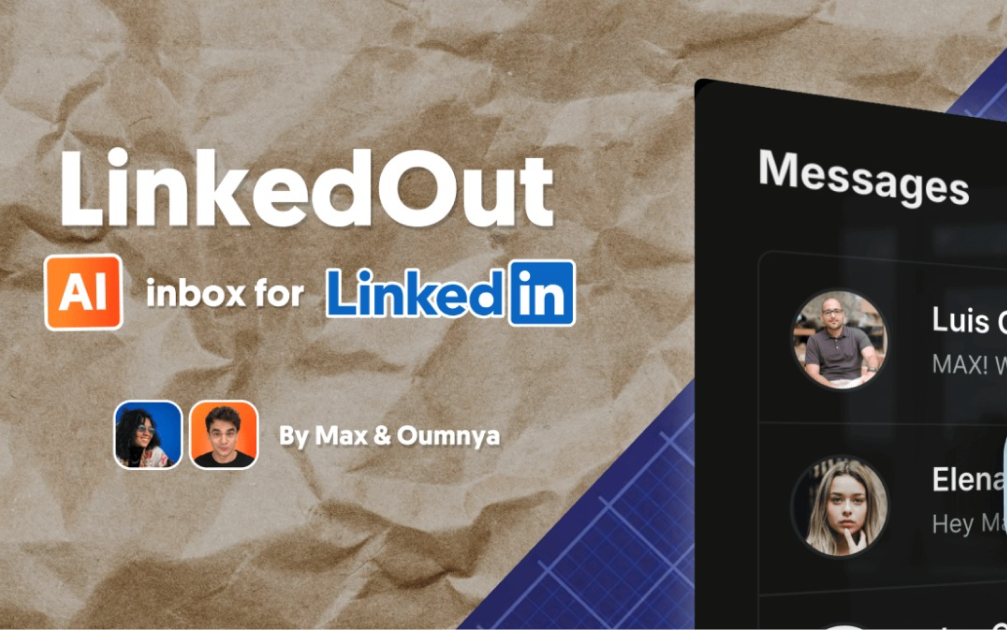
LinkedOut was built to help manage hectic LinkedIn inboxes on mobile and desktop. It includes AI draft replies and static text snippets library, making it a nimble assistant without being ChatGPT. Front-end built with Next.js, TypeScript, and Tailwind CSS. Backend runs on n8n and PocketBase. Clone it, tweak it, make it yours.Features
AI-powered message drafts
Responsive design for mobile and desktop
Beautiful UI with dark mode support
Secure authentication
Setup wizard to deploy backend and set up database
Open source: Self-host it, fork it.
Emoji reactions will not show
Group threads do not show (only Classic LinkedIN inbox, no Sales navigator either). Should be easy to tweak.
Draft reply only takes previous message (and name) as context.
Text Snippets can be Created/ Updated / Deleted via PocketBase, not yet in-app.
Framework: Next.js (App Router)
Language: TypeScript
Styling: Tailwind CSS
UI Components: shadcn/ui
Authentication: Custom auth with JWT
Database & Auth: PocketBase
Workflows as Backend: n8n via webhook endpoints, and n8n api for /setup
LinkedIn API Access: Unipile
n8n instance for automation workflows. Get 50% off n8n cloud for 12 months with MAX50. Enter coupon after free trial when choosing a plan.
A Unipile account for LinkedIn API access. Get 50% off Unipile for 3 months with MAXFROMN8N code (message support with code after sign up)
Watch a set up video on YouTube.
Set up the one-click LinkedOut + PocketBase template on CloudStation: CloudStation LinkedOut Template. You'll need an n8n instance ready by this step.
Open LinkedOut front end from CloudStation dashboard and sign in with PocketBase superuser credentials (see them in PocketBase deployment env variables in CloudStation dashboard)
Complete the setup wizard (go to /setup if you get redirected to /inbox)
Open your n8n workflows and replace any AI model steps with your own (not yet part of setup flow).