
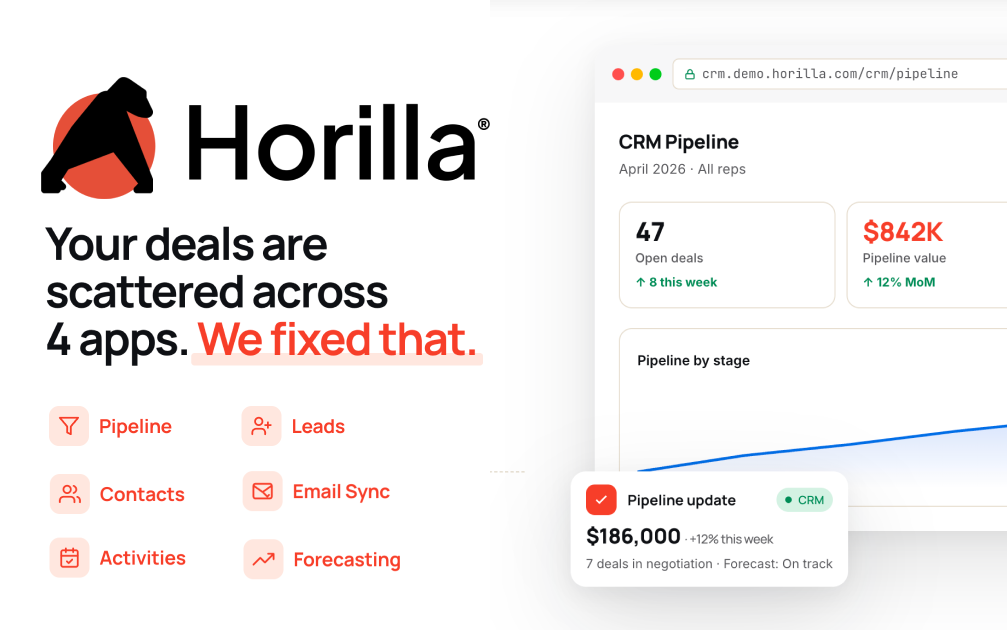
Horilla CRM
Deploy Horilla CRM on CloudStation Without Managing Servers
What is Horilla CRM? Horilla CRM is a free, open-source customer relationship management system built with Django. It brings leads, contacts, accounts, opportunities, campaigns, forecasts and reports into one application. It is licensed under LGPL-2.1.
Deploy Horilla CRM on CloudStation when you want your own CRM without setting up Postgres, Redis, background workers and HTTPS yourself. This template ships Horilla CRM 1.17.1 in production mode with PostgreSQL 16, Redis, a Celery worker and a scheduler, all wired together, with persistent volumes for your records and uploaded files.
⚠️ Before you start: No account exists after deploy. Open your Horilla CRM link, click Initialize Database, and enter the setup password stored in the horilla-crm service's environment variables as DB_INIT_PASSWORD. It is generated for each deployment, so nobody else can claim your install. Then create your administrator, company, role and sales stages.
Best For and Not Best For
Best for: small and mid-sized sales teams, agencies and consultancies who want one CRM for leads, customers and deals with the data on a server they control.
Not best for: teams that depend on a large marketplace of ready-made third-party integrations. Check that the connections you need exist before moving your sales process over.
Why Teams Choose Horilla CRM
Sales Pipeline
Leads with stages, sources and conversion
Opportunities with default or custom stages
Sales forecasts and lead scoring rules
Customers and Activity
Accounts and contacts in one place
Activities, meetings and a shared calendar
Live notifications in the browser
Marketing and Reporting
Campaigns and scheduled mail
Dashboards and reports
CSV and Excel import and export
Horilla CRM vs Alternatives
Horilla CRM vs HubSpot: Choose Horilla CRM when you want no per-seat subscription and your customer data on your own server.
Horilla CRM vs Salesforce: Choose Horilla CRM when you want a simpler CRM you can run and inspect yourself.
Horilla CRM vs Twenty: Choose Horilla CRM when you want campaigns, forecasts and lead scoring as built-in modules in a Django application.
Why Deploy Horilla CRM on CloudStation?
Production settings out of the box: Debug is off, the secret key and setup password are unique to your deployment, cookies are HTTPS-only, and the database is not reachable from the internet.
Background jobs included: The Celery worker and scheduler that process scheduled mail and exports run alongside the web app.
Live updates connected: Redis is wired in for browser notifications and background jobs.
Tested under load: Database connections are tuned for the app, which handled 30 concurrent users without errors in our testing.
HTTPS handled for you: CloudStation provides SSL on your web address.
Data that persists: Volumes keep the database and uploaded files across restarts and redeploys.
Common Horilla CRM Use Cases
Replacing spreadsheets: Move leads, contacts and deals into one system.
Managing a sales pipeline: Track each lead through its stages and convert it into an opportunity.
Running campaigns: Organize marketing campaigns and the leads they bring in.
Forecasting: Follow expected revenue from the deals in your pipeline.
FAQ
Is Horilla CRM free?
Yes. Horilla CRM is open source under the LGPL-2.1 license. You pay only for the CloudStation resources it runs on.
How do I log in the first time?
Open your Horilla CRM link, click Initialize Database, and enter DB_INIT_PASSWORD from the horilla-crm service's environment variables. The wizard then creates your administrator account and company.
Can I try it with sample data?
Yes. Choose Load Demo Data on the login page and enter DB_INIT_PASSWORD. When it finishes, sign in with username admin and the same password.
Why does the link show an error right after deploy?
The first start runs the database migrations before the web server opens. Wait a few minutes and reload.
Can it send emails and create leads from email?
Yes. Add your mail server in Horilla CRM's settings. To create leads from incoming mail, add an incoming mailbox and a Mail to Lead rule with at least one keyword.
Start Managing Customers With Horilla CRM
If you are searching for self-host Horilla CRM, Horilla CRM hosting, an open-source CRM, a HubSpot alternative or a self-hosted sales pipeline, this CloudStation template is built for that intent.
Deploy Horilla CRM Now → Full CRM. Your own server. Zero server management.