
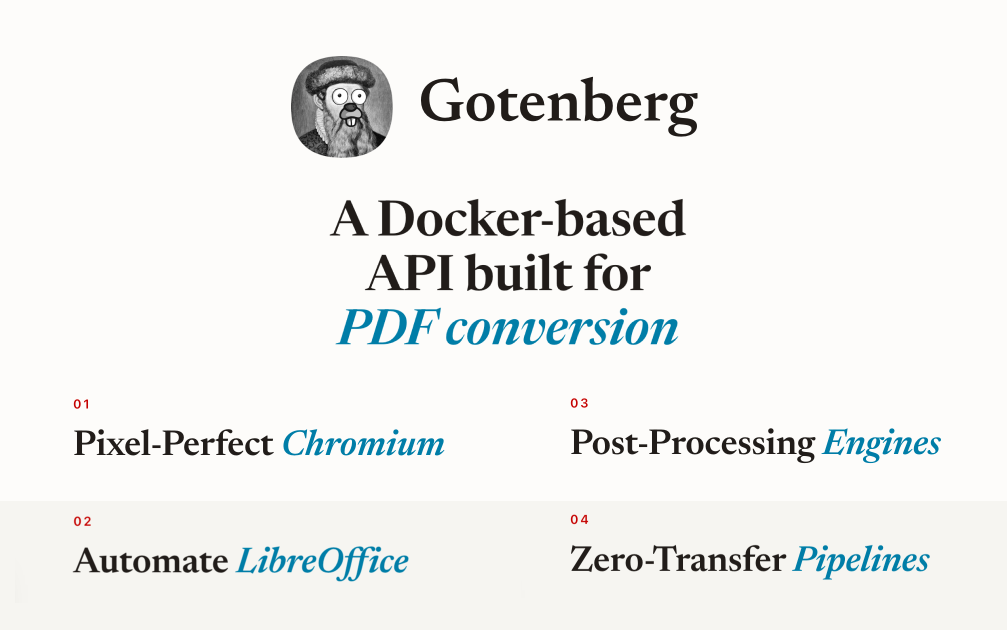
Gotenberg
Gotenberg is an open-source API that turns HTML, web pages and Office files into PDFs, so AI agents and apps can create documents. Deploy it in one click.
Deploy Gotenberg on CloudStation Without Managing Servers
This template runs Gotenberg with password protection turned on, so your conversion API is ready to use and closed to everyone else.
⚠️ Before you start: Call the API with username admin and the GOTENBERG_API_BASIC_AUTH_PASSWORD value from the service's environment variables. It is generated for each deployment.
What is Gotenberg?
Gotenberg is a document conversion API. It uses Chromium for HTML and web pages, and LibreOffice for Office files. It is open source under the MIT license.
How do I connect an AI agent to Gotenberg?
Send a form with an index.html file to /forms/chromium/convert/html using basic auth. The response is your PDF. Any agent or tool that can upload a file over HTTP can use it.
Best For and Not Best For
Best for: AI agents and apps that create invoices, reports, contracts and other PDFs.
Not best for: people who want a web page for converting files by hand. Our Stirling-PDF template suits that better.
Why Teams Choose Gotenberg
Create PDFs
HTML to PDF with Chromium
Web pages to PDF from a URL
Word, Excel and PowerPoint to PDF with LibreOffice
Built for Automation
Simple HTTP API
Merge PDFs
Stores nothing between requests
Gotenberg vs Alternatives
Gotenberg vs wkhtmltopdf: Choose Gotenberg when you want modern page rendering through Chromium and a ready HTTP API.
Gotenberg vs Stirling-PDF: Choose Gotenberg for apps and agents calling an API. Choose Stirling-PDF when people work with PDFs in a browser.
Gotenberg vs Paid PDF APIs: Choose Gotenberg when you want to avoid per-document pricing and keep documents on your own deployment.
Why Deploy Gotenberg on CloudStation?
Password protected: Your conversion API is closed to the public.
Room to burst: Large documents can use extra memory when they need it.
HTTPS handled for you: CloudStation provides SSL on your web address.
Common Gotenberg Use Cases
Invoices and reports: Turn an agent's HTML output into a clean PDF.
Contracts: Fill in a template and send a finished PDF.
Office conversion: Convert Word and Excel files to PDF automatically.
FAQ
Is Gotenberg free?
Yes. Gotenberg is open source under the MIT license. You pay only for the CloudStation resources it runs on.
How do I convert HTML to PDF with an API?
Send an index.html file to /forms/chromium/convert/html with your password. The response is the PDF.
Does Gotenberg convert Word and Excel files?
Yes, using LibreOffice.
Does it have a dashboard?
No. It is an API, so its home page shows little.
Does it store my documents?
This template has no volume, and Gotenberg returns the finished file in the response.
Give Your Agent PDFs With Gotenberg
If you are searching for Gotenberg hosting, an HTML to PDF API, a self-hosted PDF API, PDF generation for AI agents or a document conversion API, this CloudStation template is built for that intent.
Deploy Gotenberg Now → PDFs for agents. Your own server. Zero server management.