
by CloudStation
26/09/2026
Publishedpublic
Horilla HR
Deploy this template to create your own app and start your journey with CloudStation.
5 deployments
26/09/2026
by CloudStation
26/09/2026
Deploy this template to create your own app and start your journey with CloudStation.
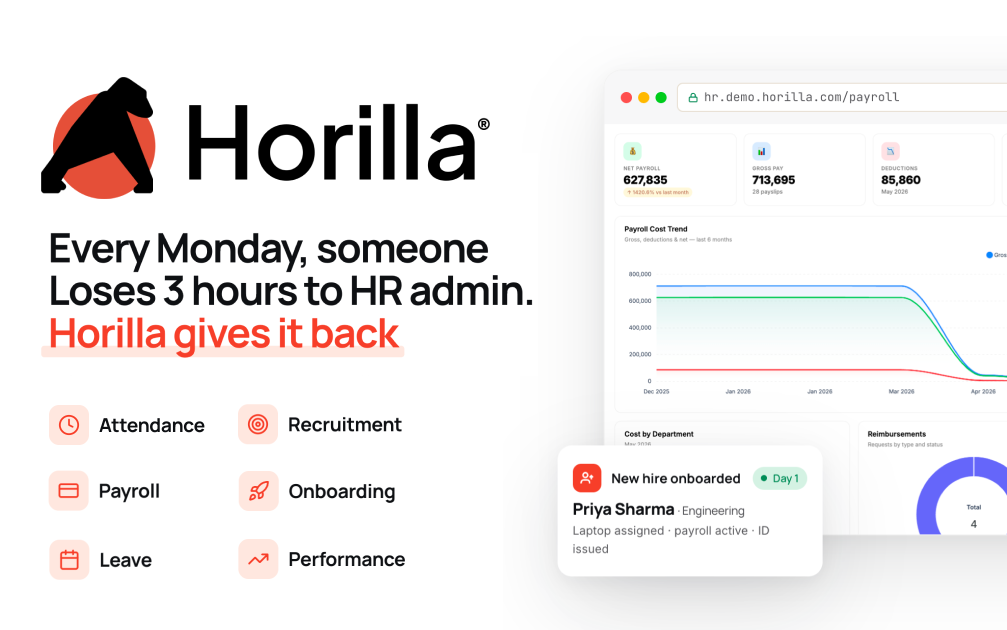
What is Horilla HR? Horilla is a free, open-source human resource management system (HRMS) built with Django. It covers the whole employee lifecycle in one place: recruitment, onboarding, attendance, leave, payroll, performance, assets, offboarding and an HR helpdesk. It is licensed under LGPL-2.1.
Deploy Horilla on CloudStation when you want your own HR system without setting up Postgres, Redis, a background scheduler and HTTPS yourself. This template ships Horilla 2.1.8 in production mode with PostgreSQL 16, Redis and the job scheduler that runs payroll and backups, all wired together, with persistent volumes for your records and uploaded documents.
⚠️ Before you start: No account exists after deploy. Open your Horilla link, click Initialize Database, and enter the setup password stored in the horilla service's environment variables as DB_INIT_PASSWORD. It is generated for each deployment, so nobody else can claim your install. Then create your administrator and company.
Best for: small and mid-sized companies, HR teams and agencies who want one HR system for employees, leave, attendance and payroll with the data on a server they control.
Not best for: companies that need a vendor-certified payroll engine for a specific country's statutory filings. Check that Horilla's payroll rules fit your jurisdiction before relying on them.
Recruitment pipeline from job posting to offer
Onboarding and offboarding checklists
Employee profiles, documents and org structure
Attendance tracking with check-in and check-out
Biometric device integration
Leave policies, balances and approval flows
Payroll with allowances, deductions and payslips
Goals, reviews and continuous feedback
Asset tracking and an HR helpdesk
Horilla vs BambooHR: Choose Horilla when you want a full HRMS without per-employee subscription fees and with your data on your own server.
Horilla vs OrangeHRM: Choose Horilla when you want payroll, recruitment and helpdesk in the open-source edition rather than in paid add-ons.
Horilla vs Odoo HR: Choose Horilla when you want a dedicated HR system instead of a full ERP.
Production settings out of the box: Debug is off, the secret key and setup password are unique to your deployment, and the site only answers on its own address.
Background jobs included: The scheduler that runs payroll batches and backups runs alongside the web app.
HTTPS handled for you: CloudStation provides SSL on your web address.
Data that persists: Volumes keep the database and uploaded documents across restarts and redeploys.
Replacing spreadsheets: Move employee records, leave and attendance into one system.
Leave and attendance: Let employees request leave and managers approve it.
Hiring: Track candidates through each stage and onboard them when they accept.
Payroll runs: Generate payslips from attendance and contract data.
Is Horilla free?
Yes. Horilla is open source under the LGPL-2.1 license. You pay only for the CloudStation resources it runs on.
How do I log in the first time?
Open your Horilla link, click Initialize Database, and enter DB_INIT_PASSWORD from the horilla service's environment variables. The wizard then creates your administrator account and company.
Which time zone does it use?
UTC by default. Set TIME_ZONE on the horilla service and redeploy to change it.
Can it send emails?
Yes, after you add your mail server in Horilla's settings.
If you are searching for self-host Horilla, Horilla HRMS hosting, an open-source HR system, a BambooHR alternative or self-hosted payroll and leave management, this CloudStation template is built for that intent.
Deploy Horilla HR Now → Full HRMS. Your own server. Zero server management.