by CloudStation
30/03/2025
Publishedpublic
AI-Powered RAG Pipeline Template
Deploy this template to create your own app and start your journey with CloudStation.
50 deployments
30/03/2025
by CloudStation
30/03/2025
Deploy this template to create your own app and start your journey with CloudStation.
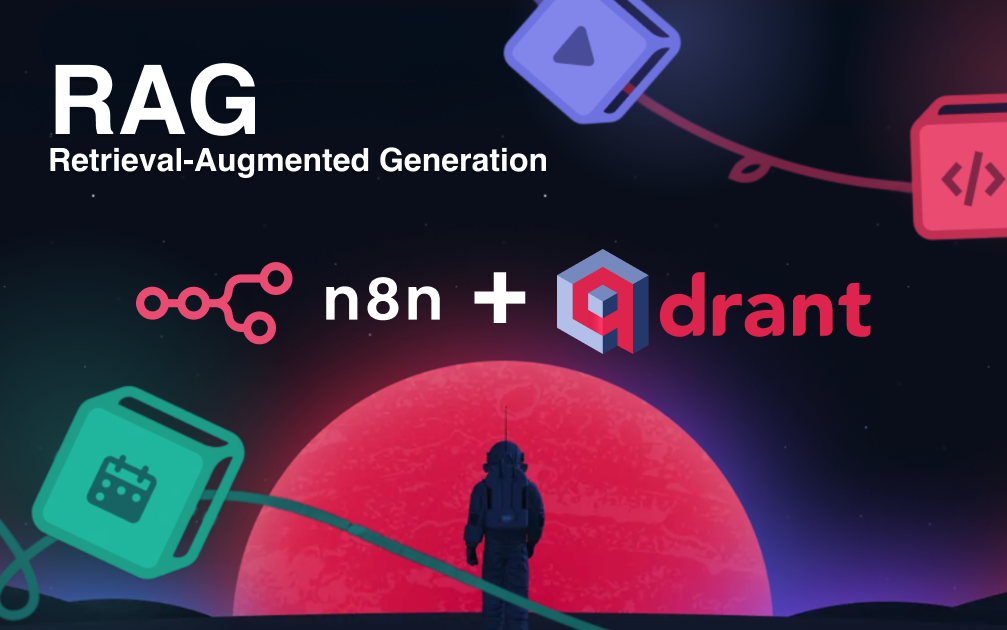
Accelerate AI app development with this production-ready RAG (Retrieval-Augmented Generation) template, combining n8n's automation and Qdrant's high-performance vector search. Deploy context-aware AI chatbots, document search engines, or knowledge assistants in hours, not weeks—with no code.
End-to-End RAG Workflow: Complete pipeline from document ingestion through vector embeddings to LLM response generation.
Optimized for Scale: Qdrant handles thousands of queries per second while n8n orchestrates all workflow components.
Customizable & Modular: Easily swap LLMs or modify components without rebuilding your entire application.
Enterprise-Ready: Includes error handling, logging, and API endpoints for seamless integration.
Configure Qdrant Credentials in n8n:
In n8n, navigate to "Credentials"
Click "Create New"
Search for "Qdrant" and select "QdrantApi"
For the API key, locate the "QDRANT_SERVICE_API_KEY" in the CloudStation interface:
Open your Qdrant CloudStation dashboard
Click on the "Variables" tab
Copy the value of "QDRANT_SERVICE_API_KEY"
For the "Qdrant URL" field in n8n, use the expression: {{ $env.QDRANT_URL }}
Note: You may see an "[ERROR: not accessible via UI]" message - this is expected as the URL is injected into the n8n environment
Click "Save" to store your credentials
Environment Variable Configuration:
The QDRANT_URL environment variable is automatically injected into the n8n container
No additional configuration is needed for this variable
#RAG #QDRANT #N8N